
🔑 Key Takeaways
- ✔ A non WiFi baby monitor can still face security risks, but the risk depends on its radio system and design.
- ✔ Analog monitors are easier to intercept nearby, while modern digital monitors often use encrypted radio links.
- ✔ A monitor with no internet connection cannot usually be hacked remotely through the internet, but local attacks may still be possible.
- ✔ Parents can reduce risk by choosing a modern digital monitor, using strong pairing controls, keeping the unit private, and checking for unusual behavior.
Parents often choose a non-WiFi baby monitor because it feels safer and simpler. The monitor does not use the home router, cloud service, or phone app. That removes several common attack paths. However, no wireless system should be treated as impossible to intercept.
The key question is not only whether a monitor uses WiFi. It is how the camera sends video and sound to the parent unit. Older analog models may send signals with little or no protection. Many newer digital models use a private radio link and may add encryption or device pairing. These designs can be much harder to access.
So, can a non WiFi baby monitor be hacked? The answer is yes in some cases, but the meaning of hacked matters. An attacker would usually need to be within radio range or exploit a weakness in the monitor’s wireless system. That is very different from remotely accessing a camera over the internet.
For a typical U.S. household, a non-WiFi monitor can be a sensible privacy choice. It limits exposure to internet-based threats. Still, parents should understand the limits of radio security before buying one.
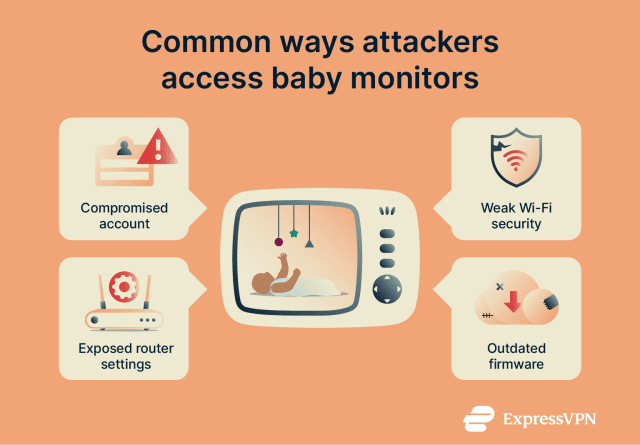
What Is a Non WiFi Baby Monitor?
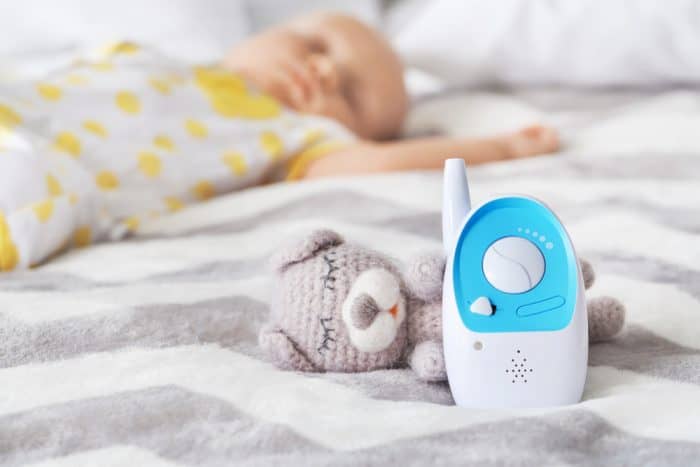
A non WiFi baby monitor is a monitor that sends video or audio from the baby unit to a dedicated parent unit without using your home’s WiFi network. The parent unit normally has its own screen and speaker. You do not need a phone app or internet connection to watch your baby.
Most non WiFi models use radio signals to connect the two units. Some older models use analog transmission. Newer models often use digital transmission. This difference matters because digital systems can offer better protection against casual signal interception.
A non WiFi design also means that the monitor is not normally exposed to the same online threats as an internet-connected camera. An attacker cannot simply find the device through the internet if the device has no internet connection. That is one of the main privacy benefits of this type of monitor.
- ✦ No home WiFi connection
The monitor normally works without joining your wireless home network.
- ✦ Dedicated parent screen
Video and audio appear on a separate receiver instead of a phone app.
- ✦ Local radio link
The baby unit sends data over a short-range wireless signal to the parent unit.
- ✦ Limited internet exposure
Because the system does not need internet access, common cloud and router attack paths do not apply.
Analog vs. Digital Non-WiFi Monitors
Older analog monitors are often the weakest option from a privacy point of view. They may transmit signals in a way that another compatible receiver can pick up when it is close enough. This does not mean every analog monitor will be intercepted, but the design offers less protection.
Digital monitors convert the video and audio into digital data before sending it. Some models also encrypt the wireless link and pair the camera with a specific parent unit. These features can make unauthorized access much harder.
When shopping for a non-WiFi monitor, do not stop at the words digital or non WiFi. Look for clear information about encryption, secure pairing, transmission technology, and whether the manufacturer provides security details.
- ✦ Analog
Often provides basic radio transmission with limited protection against local interception.
- ✦ Digital
Uses digital data and may include pairing and encryption for stronger privacy.
- ✦ Encrypted digital
Adds protection that can make intercepted radio data much harder to understand.

Can A Non Wifi Baby Monitor Be Hacked Remotely?
For most true non WiFi monitors, a direct remote internet attack is not the main concern. If the camera and parent unit never connect to the internet, an attacker cannot normally log in through your router or access the camera from another city. There is no cloud account to take over.
This is an important difference between a non WiFi monitor and a connected smart baby camera. A WiFi camera may have an account, mobile app, cloud service, and network connection. Each part can create another security risk. A local monitor removes much of that complexity.
However, saying a non WiFi monitor cannot be hacked would be too strong. Wireless signals can still be attacked or intercepted under the right conditions. The exact risk depends on the radio protocol, encryption, pairing method, hardware, range, and security flaws in the product.
Why Internet Hacking Is Less Likely
Internet attacks require a path into the target system. A typical non WiFi monitor has no internet path. Its baby unit talks to its parent unit over a local wireless connection.
This greatly reduces the number of ways an attacker can reach the system. A criminal sitting across the country cannot normally connect to a basic local monitor just because it is switched on in your home.
- ✦ No cloud account
There may be no online account for an attacker to steal or take over.
- ✦ No router connection
The monitor does not normally depend on your home router for video transmission.
- ✦ No phone app
A basic system does not need a mobile app that could introduce another account or software risk.
Why Local Attacks Still Matter
The radio link remains the main area to consider. If the monitor uses weak or unprotected transmission, someone nearby may be able to receive the signal with suitable equipment. The practical difficulty varies widely between products.
Modern systems may use device pairing and encryption. These features can prevent a random receiver from understanding the video or audio. They do not make every product perfect, but they raise the technical barrier.
How Can a Non WiFi Baby Monitor Be Compromised?
There is more than one way a wireless baby monitor can lose privacy. The most basic risk is signal interception. If the radio signal is not well protected, a person within range may be able to receive it.
Another risk comes from weak device design. A monitor may have a poor pairing process, predictable device behavior, or an old wireless protocol. In such cases, an attacker with technical knowledge may have more options than a normal user would expect.
Physical access also matters. Someone who can reach the baby unit or parent unit may be able to change settings, reset the device, or replace hardware. Physical security is easy to overlook because people often think only about online hacking.
This is why the answer to ‘Can A Non Wifi Baby Monitor Be Hacked?’ should always include the specific model. Security is a product feature, not simply a result of avoiding WiFi.
- ✦ Signal interception
A nearby person may try to receive an unsecured or weakly protected radio signal.
- ✦ Weak pairing
Poor pairing controls may make it easier for an unauthorized receiver to connect.
- ✦ Old technology
Older monitor designs may lack security features found in newer digital products.
- ✦ Physical access
Someone with direct access to the equipment may be able to alter, reset, or replace parts of the system.
- ✦ Product flaws
A design or firmware flaw can create a risk even when the product does not use WiFi.
Radio Range and Physical Proximity
A local wireless monitor normally has a limited operating range. Walls, floors, furniture, and other radio devices can reduce that range. This makes a local attack less convenient than an internet attack.
Still, range should not be confused with security. A signal that travels only a few hundred feet can still matter if another person can get close to the home. Apartments, shared buildings, hotels, and crowded neighborhoods can create different conditions from a detached home.
Weak or Missing Encryption
Encryption changes the risk because it protects the content of the wireless transmission. If someone captures encrypted data, the captured signal should not simply reveal the video or sound.
Parents should look for manufacturers that clearly state how the monitor protects its radio link. Vague claims such as secure technology are less useful than clear details about encryption and device pairing.
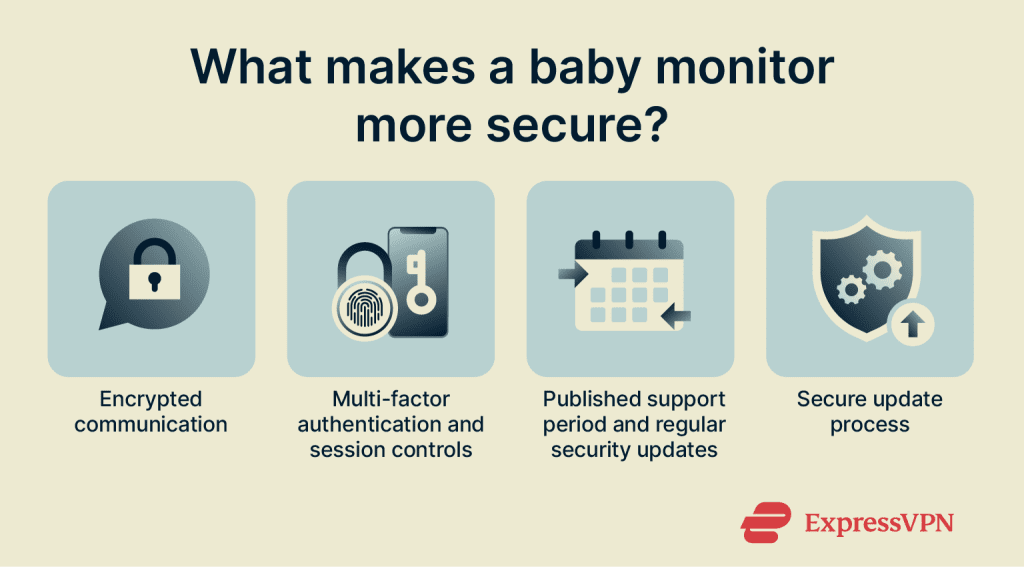
Signs That a Non WiFi Baby Monitor May Have Been Compromised
It can be hard to prove that a non WiFi monitor has been hacked. Many strange behaviors have simple causes. Interference, low battery power, poor signal strength, nearby electronics, and damaged hardware can all cause problems.
Even so, unusual changes deserve attention. If a monitor suddenly connects to an unexpected unit, behaves differently after someone has had physical access to it, or shows unexplained changes in its settings, investigate before continuing to use it.
Parents should avoid assuming that every strange noise or screen problem proves hacking. Good security practice means checking normal causes first and then looking for stronger evidence.
- ✦ Unexpected audio
Voices or sounds that do not come from the monitored room can be a reason to inspect the system, especially on older analog models.
- ✦ Unexpected video
A sudden image from another camera or an unfamiliar feed may indicate a pairing or signal problem.
- ✦ Unexpected pairing
A parent unit that connects to an unknown camera should be treated as a serious warning.
- ✦ Changed settings
Unexplained changes after someone had physical access to the monitor deserve attention.
- ✦ Repeated strange behavior
A pattern that continues after batteries, placement, and interference have been checked may justify replacing the system.
What Is Not Proof of Hacking?
Static, dropped video, buzzing, frozen images, and short periods of lost audio do not automatically mean someone hacked the monitor. Wireless interference is common, especially in homes with many electronic devices.
Start with simple checks. Move the parent unit, replace weak batteries, check the power supply, and follow the manufacturer’s troubleshooting guide. If the issue continues, contact the manufacturer or replace the monitor.
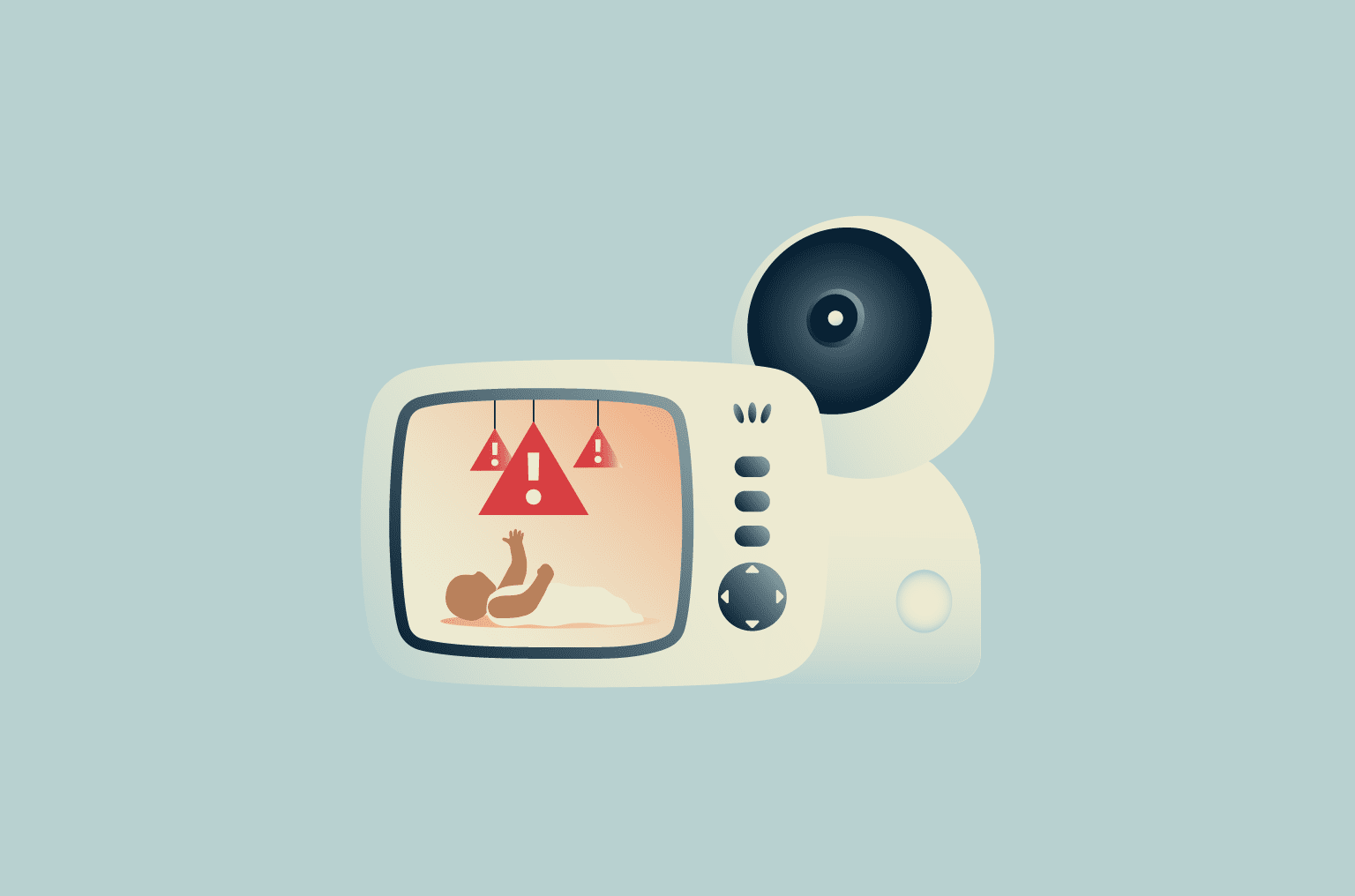
How Secure Are Non WiFi Baby Monitors Compared With WiFi Models?
There is no simple winner for every family. A non WiFi monitor has a major advantage because it avoids many internet threats. A well-designed WiFi monitor can also have strong security when it uses modern encryption, secure accounts, updated software, and good access controls.
The real comparison is between attack surfaces. A non WiFi monitor mainly exposes a local radio link. A WiFi model may expose a local network connection, internet service, account, mobile app, cloud platform, and device software.
For parents who value simple local monitoring, a good digital non WiFi monitor can be a strong choice. It can provide video and audio without putting the camera online. But buyers should still check the monitor’s security features instead of assuming every non WiFi product is safe.
- ✦ Non WiFi advantage
It normally avoids cloud accounts, internet access, and many remote attack paths.
- ✦ WiFi advantage
A good connected model can offer strong encryption, alerts, remote viewing, and frequent software updates.
- ✦ Non WiFi limitation
Security depends heavily on the local radio technology and the design of the parent and baby units.
- ✦ WiFi limitation
The larger software and network system creates more areas that need proper security.
Privacy vs. Convenience
A non WiFi monitor is often attractive to parents who do not want a camera connected to the internet. You can use it without creating an account or installing an app. That makes the system easy to understand.
A WiFi monitor can be more useful for parents who want to check the baby from work, travel, or another room far outside the monitor’s radio range. The trade-off is that remote access requires more security controls.
Are Digital Non WiFi Baby Monitors Safer?
In general, a modern digital monitor can offer better privacy than an old analog model, especially when it uses secure pairing and encryption. Digital transmission alone, however, does not guarantee security. Manufacturers must implement the technology correctly.
A useful buying rule is to look for clear security claims rather than relying on marketing labels. Terms such as digital, private, or secure may not explain exactly how the radio link is protected.
If the manufacturer explains the pairing process, encryption, transmission method, and security updates in clear terms, that is a better sign. If the company provides very little technical information, buyers should be more cautious.
What to Look for Before Buying
Parents shopping in the United States have many baby monitor choices. Before buying, read the technical specifications and the product manual when available. The manual often gives more useful security details than the product title.
It is also worth checking whether the monitor can pair only with its intended parent unit. A strong pairing system can reduce the chance that another compatible receiver will display the camera feed.
- ✦ Secure pairing
Choose a model that links the baby unit to a specific parent unit.
- ✦ Encryption
Look for a clear statement that the wireless transmission uses encryption.
- ✦ Current design
Prefer a newer product from a manufacturer that provides clear technical and support information.
- ✦ Useful manual
A detailed manual can reveal how pairing, resets, and security-related settings work.
- ✦ Recall information
Check for product recalls or safety notices before buying and during ownership.
How to Make a Non WiFi Baby Monitor More Secure
The best security strategy starts before you buy the monitor. Choose a modern digital model with secure pairing and encryption. Avoid very old systems when privacy is a major concern.
Once the monitor is installed, protect the physical equipment. Keep the parent unit with you or in a private area. Do not leave it where visitors, workers, or other people can easily access the controls.
Placement also matters. The camera should provide the view you need without exposing more of your home than necessary. A baby monitor should focus on the crib or sleeping area rather than becoming an unnecessary camera for private parts of the home.
- ✦ Buy a secure digital model
Prioritize secure pairing and encrypted transmission over low price alone.
- ✦ Keep the parent unit private
Do not leave the receiver in a place where guests or strangers can access it.
- ✦ Protect the baby unit
Mount the camera securely and prevent unauthorized physical access to its controls and cables.
- ✦ Use the latest supported firmware
If your model supports firmware updates, install official updates from the manufacturer.
- ✦ Review pairing after a reset
Follow the manual after resetting the system and make sure only your intended parent unit connects.
- ✦ Replace outdated hardware
If the monitor uses old technology and shows security problems, replacement may be safer than continued use.
Keep the Monitor Away From Public or Shared Spaces
Radio signals can travel beyond the room where the camera sits. The exact range depends on the monitor, building materials, interference, and other conditions. For that reason, avoid placing the camera or receiver where unauthorized people can easily approach the equipment.
This is especially useful in apartments, hotels, shared housing, and other places where nearby people may be closer to your equipment than you expect.
Do Not Ignore Product Recalls
A baby monitor can have safety or security problems that become known after launch. Parents should check the manufacturer’s support page and relevant U.S. recall information when they buy a monitor and from time to time after purchase.
A recall is not proof that every unit has been compromised. It is a reason to follow the manufacturer’s instructions and replace or repair the product when required.
What Should You Do If You Think Your Non WiFi Baby Monitor Was Hacked?
If you believe your monitor has been compromised, stop using it for sensitive monitoring until you understand the problem. Unplug or power down the system if needed. Use another trusted method to monitor the baby while you investigate.
Next, check whether the behavior has a simple cause. Inspect the power supply, batteries, signal range, pairing status, and nearby electronics. If another person has had access to the equipment, consider whether the monitor may have been reset or changed.
If the problem remains unexplained, contact the manufacturer. Give them the exact model number and describe the behavior. If the company cannot provide a clear answer and you have serious privacy concerns, replacing the monitor is often the practical choice.
- ✦ Stop using the suspect system
Use another trusted monitoring method until you can assess the problem.
- ✦ Check normal causes
Rule out weak batteries, interference, damaged cables, poor placement, and signal problems.
- ✦ Check pairing
Make sure the parent unit is paired with the correct baby unit.
- ✦ Contact the manufacturer
Ask for model-specific guidance and report unusual behavior.
- ✦ Replace the monitor when needed
If the system is old, unreliable, or cannot provide reasonable security, replacement can reduce risk.
When Should You Replace the Monitor?
Consider replacement when the manufacturer no longer supports the product, when the wireless technology is outdated, or when you cannot determine who can connect to the system. The same applies if the monitor has unexplained pairing behavior or repeated security-related faults.
A baby monitor is not a product where saving a small amount of money should outweigh a serious privacy concern. A simple, modern system may provide a better balance of safety, privacy, and reliability.
Common Myths About Non WiFi Baby Monitor Hacking
Many online discussions treat all baby monitors as equally easy to hack. That is not accurate. The security of a device depends on its technology, configuration, physical access, radio protocol, and manufacturer design.
Understanding these differences helps parents avoid both false reassurance and unnecessary fear. A non WiFi monitor is not automatically secure, but it also does not carry the same internet exposure as a connected camera.
- ✦ Myth: Non WiFi means impossible to hack
A local wireless system can still have radio or hardware security weaknesses.
- ✦ Myth: Every baby monitor can be hacked from anywhere
A true non WiFi monitor normally has no internet route for a remote attacker.
- ✦ Myth: Digital always means fully secure
Digital transmission can improve security, but encryption and pairing design still matter.
- ✦ Myth: Strange static proves hacking
Static and dropped signals often come from normal wireless interference or hardware problems.
- ✦ Myth: WiFi monitors are always unsafe
A well-designed connected monitor can use strong security controls, although it has more components that require protection.
How to Choose the Safest Non WiFi Baby Monitor
If privacy is your main goal, start with a modern digital non WiFi monitor. The most important feature is not the absence of WiFi by itself. Look for a secure local connection that uses strong pairing and encryption.
Also consider how long the product is likely to remain useful. A cheap monitor with outdated technology may cost more in the long run if you need to replace it soon. A reputable manufacturer with clear support information is usually a better choice.
Finally, match the monitor to your actual needs. If you only need to watch your baby from another room, a local monitor may be ideal. If you need to check the nursery while away from home, a non WiFi monitor cannot provide that remote access without another connected system.
- ✦ Prioritize secure radio transmission
Choose a model that clearly explains how it protects the local wireless link.
- ✦ Look for strong pairing
The parent and baby units should have a controlled pairing process.
- ✦ Check manufacturer support
Choose a brand that provides manuals, product support, and clear safety information.
- ✦ Consider your monitoring range
Make sure the monitor works reliably throughout the areas where you plan to use it.
- ✦ Avoid very old technology
Older analog systems may provide weaker privacy than current digital alternatives.
- ✦ Balance privacy and features
Choose local monitoring when remote access is not needed, but use a properly secured connected system when remote viewing is essential.
Questions to Ask Before Purchase
Before buying, ask whether the signal is encrypted, how the units pair, whether the monitor has received security updates, and whether the manufacturer still supports the model. These questions can reveal more about real security than a product’s marketing headline.
It is also useful to read the manual and recent owner reports for recurring pairing or privacy problems. No product review can guarantee perfect security, but careful research can reduce avoidable risk.